
Take Care Bear Cursor
Cursors in the pack
Description
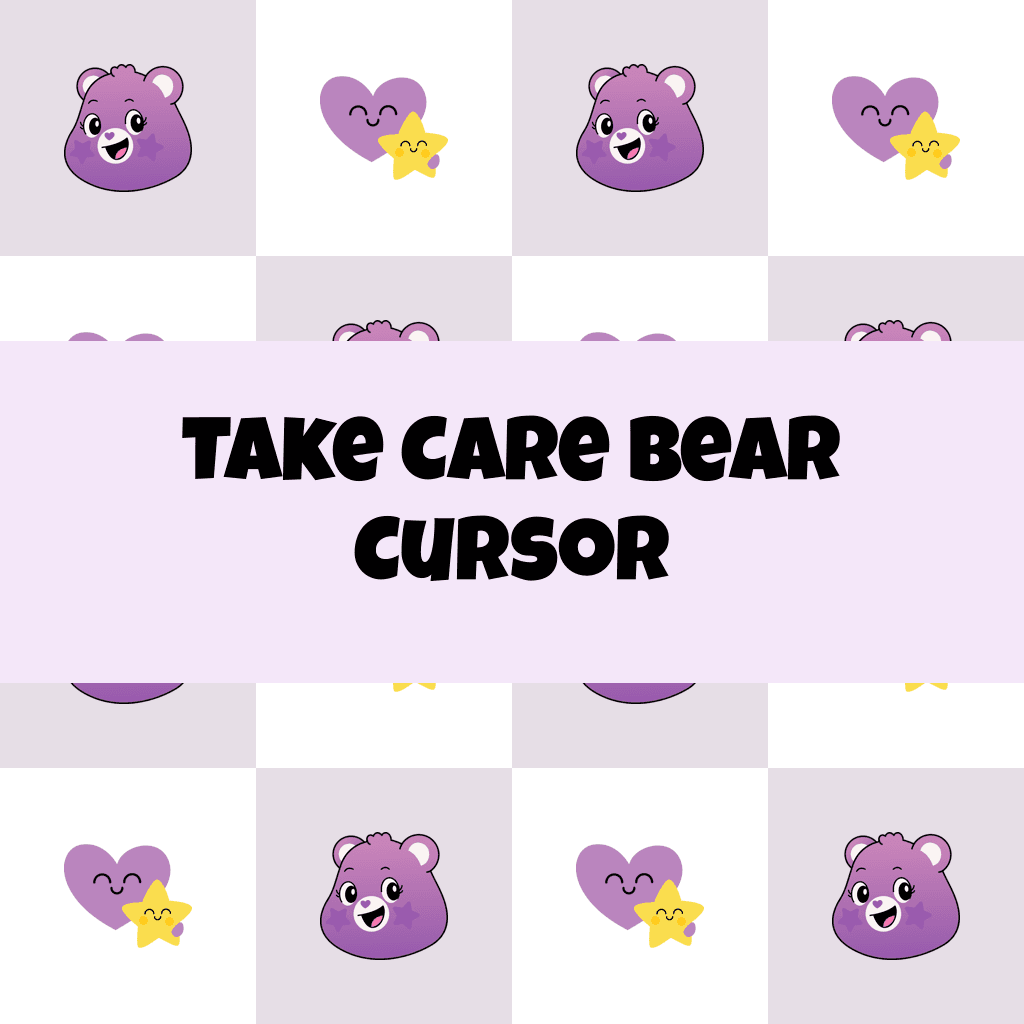
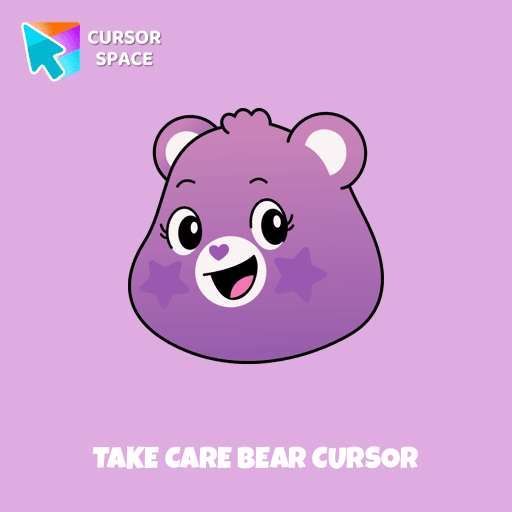
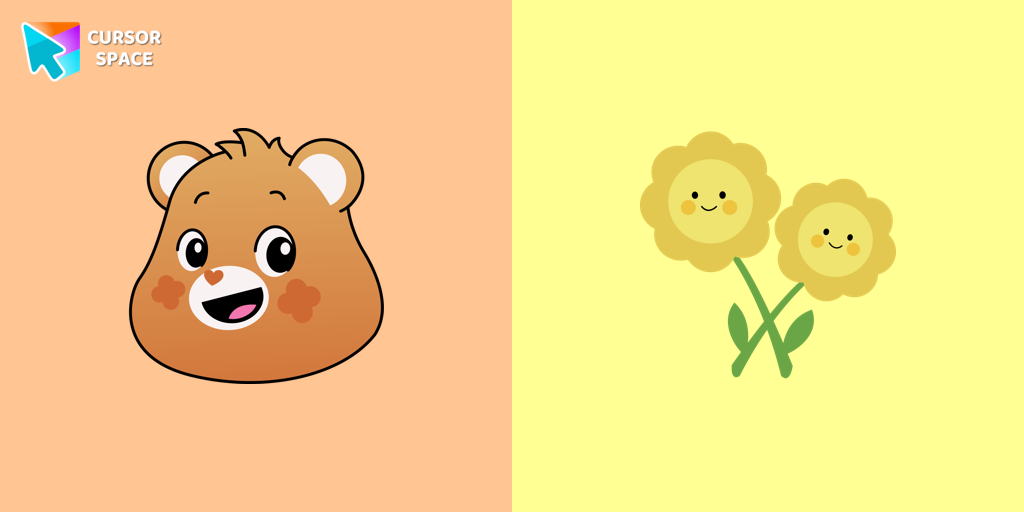
The Take Care Bear cursor is a fun and heartwarming way to personalize your browsing experience. Inspired by the beloved Care Bears, this custom cursor replaces your standard mouse pointer with the caring and compassionate Take Care Bear, a character known for spreading kindness and positivity. Whether you're a long-time fan of the Care Bears or simply looking for a cute cursor to brighten your screen, this colorful and animated cursor is the perfect choice.
With its signature warm smile and vibrant design, the Take Care Bear cursor serves as a gentle reminder to prioritize self-care and kindness in everyday life. It's more than just a browser cursor—it's a symbol of love and compassion that enhances your online interactions. This Care Bears-themed cursor is available as a custom pointer for Chrome, making it easy to install and enjoy in just a few clicks.
If you're tired of the default mouse pointer, why not explore a collection of unique cursors? Whether you're into kawaii cursors, cartoon cursors, or fun cursors, the Take Care Bear cursor fits perfectly into a themed cursor collection. It’s ideal for fans who want a custom mouse pointer that stands out while staying true to the adorable world of Care Bears.
Download the Take Care Bear cursor today and bring a touch of warmth, nostalgia, and joy to your browsing experience. Installing a custom cursor for Google Chrome has never been easier—simply add it to your browser and enjoy a more personalized, fun way to navigate the web!
What's included in the package
- Default Cursor
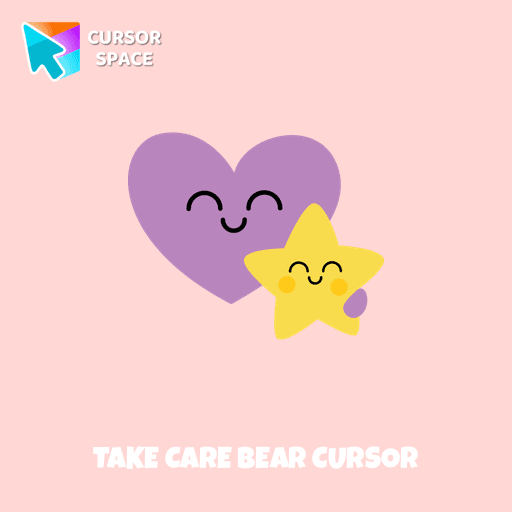
- Pointer (Hand)
How to install a custom cursor pack Take Care Bear Cursor
Install the Cursor Space extension for Chrome or Cursor Space for Edge in your browser.
On this page, click "Add this cursor pack to the extension".
Open the extension and go to the Packs tab.
Find the custom cursor pack "Take Care Bear cursor" and click it.
Enjoy!
Ready to install?
Get this cursor pack and thousands of others by installing our extension. It's fast and free!
About this cursor pack
Take Care Bear Cursor is a themed cursor pack you can add to your browser to personalize your pointer across common cursor states (default and pointer). Use it for everyday browsing, streaming, studying, or gaming-anywhere you want your cursor to match your vibe.
Instant preview
See how the cursors look before installing.
Easy install
Add the pack to the extension in a few clicks.
Works in your browser
Designed for Chrome and Edge via the extension.
FAQ
Quick answers to common questions about cursor packs, collections, and installation.
Do I need an extension?
Which browsers are supported?
How do I switch back to the default cursor?
Collection hits
Installation leaders from "Care Bears": free packs, neon/anime/pixel art, quick add to Chrome and Edge.
- TOP 1

Tenderheart Bear cursor
(2.0k)FreeExperience Love and Compassion with the Tenderheart Bear Cursor
- TOP 2

Love-A-Lot Bear cursor
(463)FreeThe Love-a-lot Bear custom cursor from our custom cursors collection for Chrome.
- TOP 3

Share Bear cursor
(139)FreeShare the Joy with the Share Bear Cursor - Spreading Kindness Online

True Heart Bear cursor
(129)FreeThe True Heart Bear custom cursor brings charm and nostalgia to your browsing. Enjoy this adorable custom cursor for Google Chrome featuring the iconic Care Bears character.

Smart Heart Bear cursor
(129)FreeSmart Heart Bear custom cursor for the mouse is a pretty character in a Care Bears cursor collection for Chrome.


Always There Bear cursor
(91)FreeStay Connected with the Always There Bear Cursor - A Trustworthy Companion
Install Cursor Space - A Collection of Custom Cursors for Chrome & Edge
Add packs instantly and unlock access to thousands of cursors: neon, anime, pixel-art, and more. Fast, safe, and free.
- Free cursor packs
- HD/HiDPI & animated icons
- Quick browser installation
Cursor Space is an extension for changing your mouse cursor in Chrome and Edge browsers: themed collections, HiDPI icons, neon, animated, and pixel cursors, with quick installation.